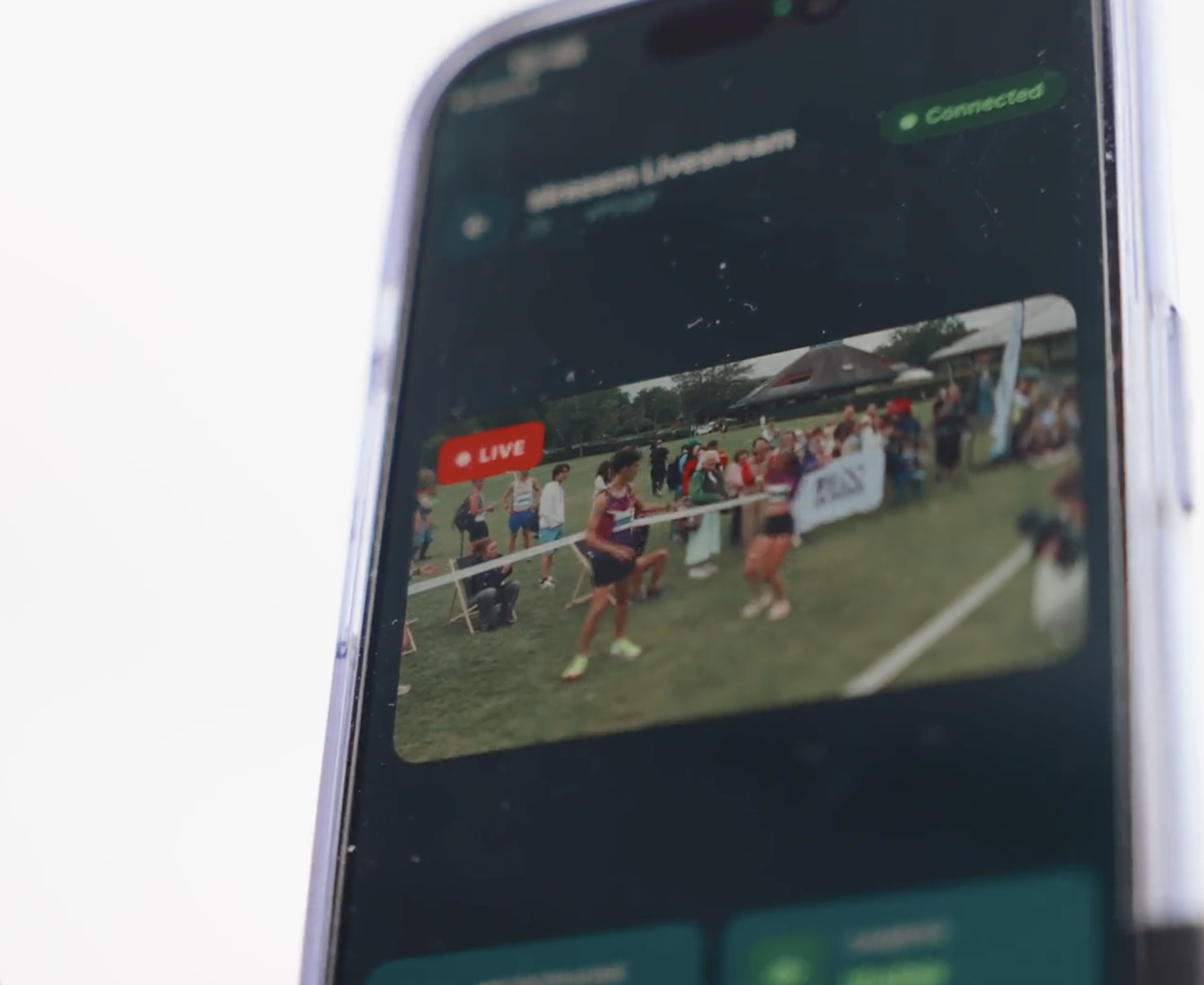
A lot of people get this far and wonder: "Am I actually going to be able to pull this off?"
Short answer — yes, and here's why. Most first streams use exactly one phone on a $15 stand. That's a real, complete setup — private link, stable video, full replay. Nothing about your first event needs to be more complicated than that.
This post shows you exactly what that setup looks like, step by step, so there's no guessing left before your first event.
What you actually need
Not a media team. Not a camera rig. Not experience. Here's the complete list:
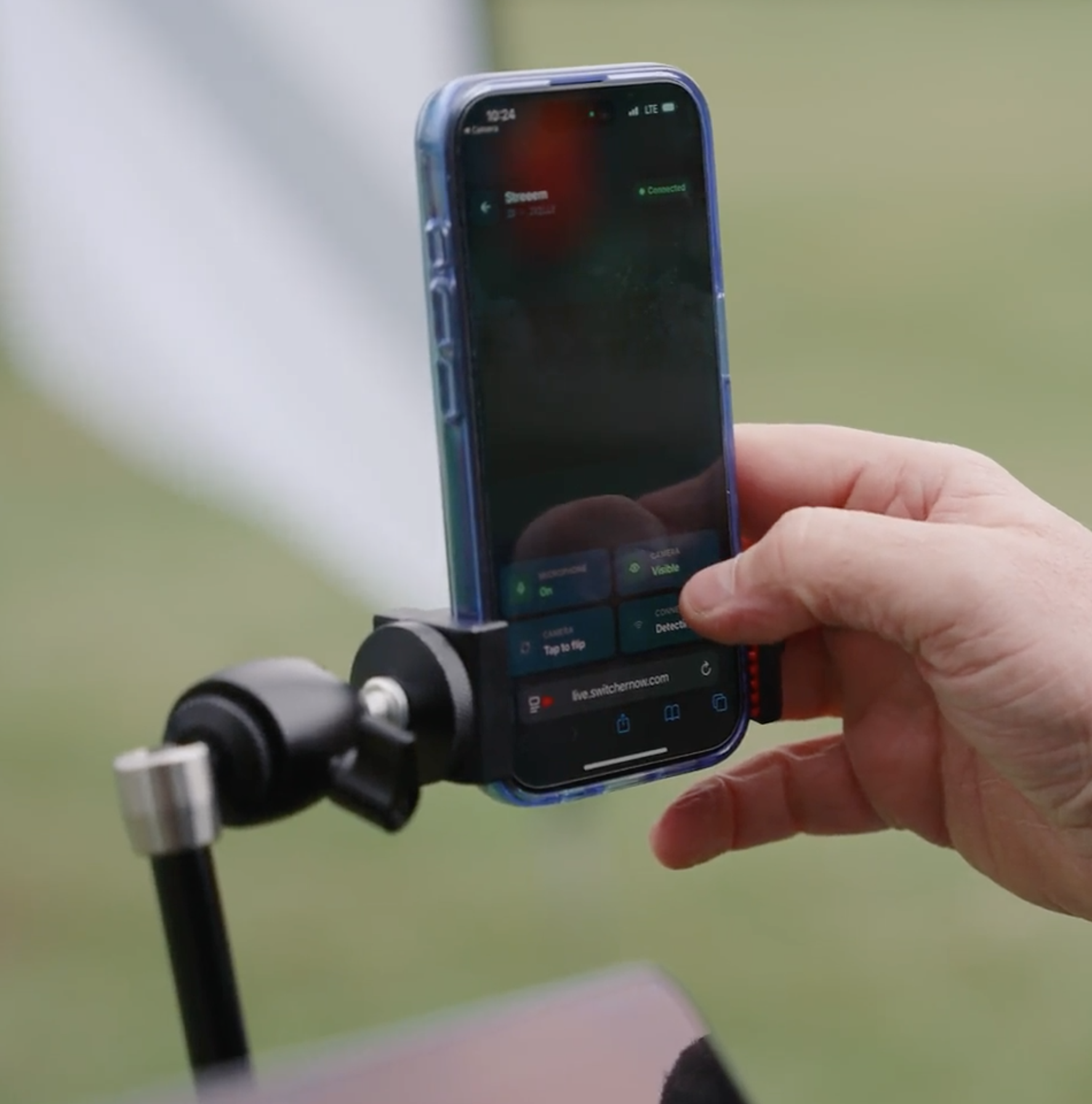
- A phone — yours, or one already at the event
- A $15–20 stand — a basic tripod, a clamp, or anything that holds it steady
- A spot to put it — pointed at whatever people would want to watch
That's it. That's the entire equipment list for a real, working stream.
Why "just a phone" is a real setup, not a compromise
It's easy to assume a single phone means a lesser experience. It doesn't. Here's what a one-phone, one-stand stream delivers — the same as it would with any more complicated setup:
| What you get |
What it means |
| A private link |
Not a public feed, not an algorithm — only the people you send it to can watch |
| A dedicated watch page |
A clean viewing experience, not a scroll through someone's social feed |
| Stable video |
A mounted phone looks intentional, not shaky or accidental |
| Full replay |
Automatically saved at the same link, ready the moment the stream ends |
The only thing a single camera doesn't give you is a second angle to switch between — and that's a "someday" upgrade, not a "day one" requirement.
The four steps, in order
1 — Position your phone
Place it on the stand, pointed at whatever matters most — the pulpit, the podium, the start line, the front of the room. Once it's set, nobody needs to hold it or stand near it for the rest of the event. It runs on its own.
Where people get stuck: picking an angle that's too far back "to get everything in frame." Closer and simpler beats wide and distant — get the one thing people actually want to see.
2 — Share your watch link
Every event gets its own private link the moment you create it. Send it by text, email, or QR code — before the event starts is best, so people already have it when you go live.
Where people get stuck: waiting until the last minute. Send it the night before if you can. People forget to check their phone right at go-live time.
3 — Go Live
One tap. That's the entire "operator" job. From here, the stream runs itself — no monitoring, no adjusting, no one standing by the phone.
One thing to check before you walk away: turn off your phone's auto-lock for the event. A locked screen pauses the stream the same way a dead battery would.
Where people get stuck: believing this step needs to be more involved than it is. It doesn't. If the phone is positioned and charged, tapping Go Live is the whole task.
4 — The replay stays
When the event ends, the recording is automatically available at the same link for 30 days. Anyone who missed it live can still watch — no re-sharing, no separate upload.
Before your first event: four two-minute checks
Each of these has its own short guide if you want the full walkthrough:
- Battery power — make sure the phone lasts the whole event
- Signal check — two minutes at your camera spot removes the one variable you can't fix mid-event
- Audio prep — the most common first-stream issue, and the easiest to catch early
- Sharing your watch link — when and how to send it for the best turnout
Doing all four takes less than ten minutes total, and it's the difference between a stream that goes smoothly and one that has a fixable surprise in the middle of it.
One more thing before event day
Run a Rehearse first — a private test of the full stream that nobody else can see. It's the same four steps above, except nothing counts. If you already did one during setup, do one from your actual event location — the first was likely a test run from wherever you happened to be sitting. This one checks the real spot: real signal, real distance, real angle.
The bottom line
One phone. One stand. Four steps you can do in under two minutes total, plus a Rehearse to be sure. That's a complete, real, working first stream — not a stripped-down version of one.
The upgrades — a second camera, a dedicated organizational device, multiple angles — are real, and they're there when you're ready for them. They are not what stands between you and your first stream today.
Start Your First Stream Free