Most churches think livestreaming means a production team, a camera switcher, and someone learning software they don't have time for. It doesn't have to.
Here's the entire setup for streaming a service with Switcher Now, and every piece of it works today.
What you need
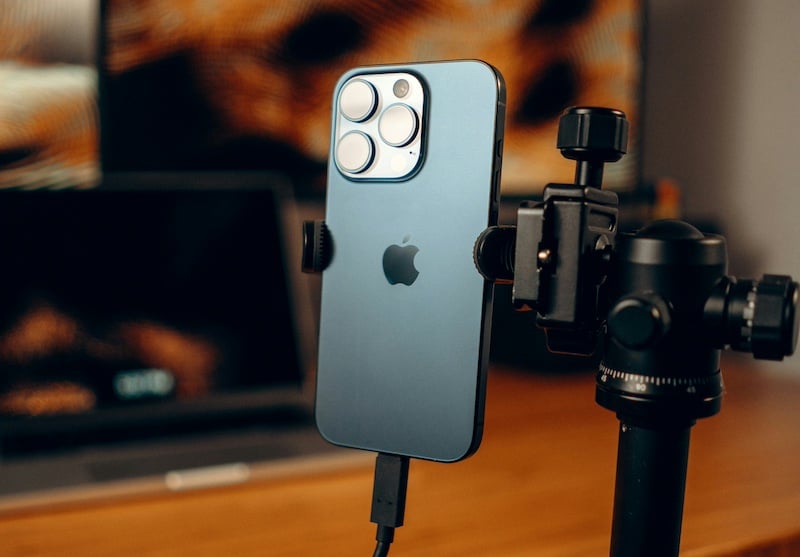
- One phone
- One lapel mic (or your existing podium mic, if it has an output you can connect)
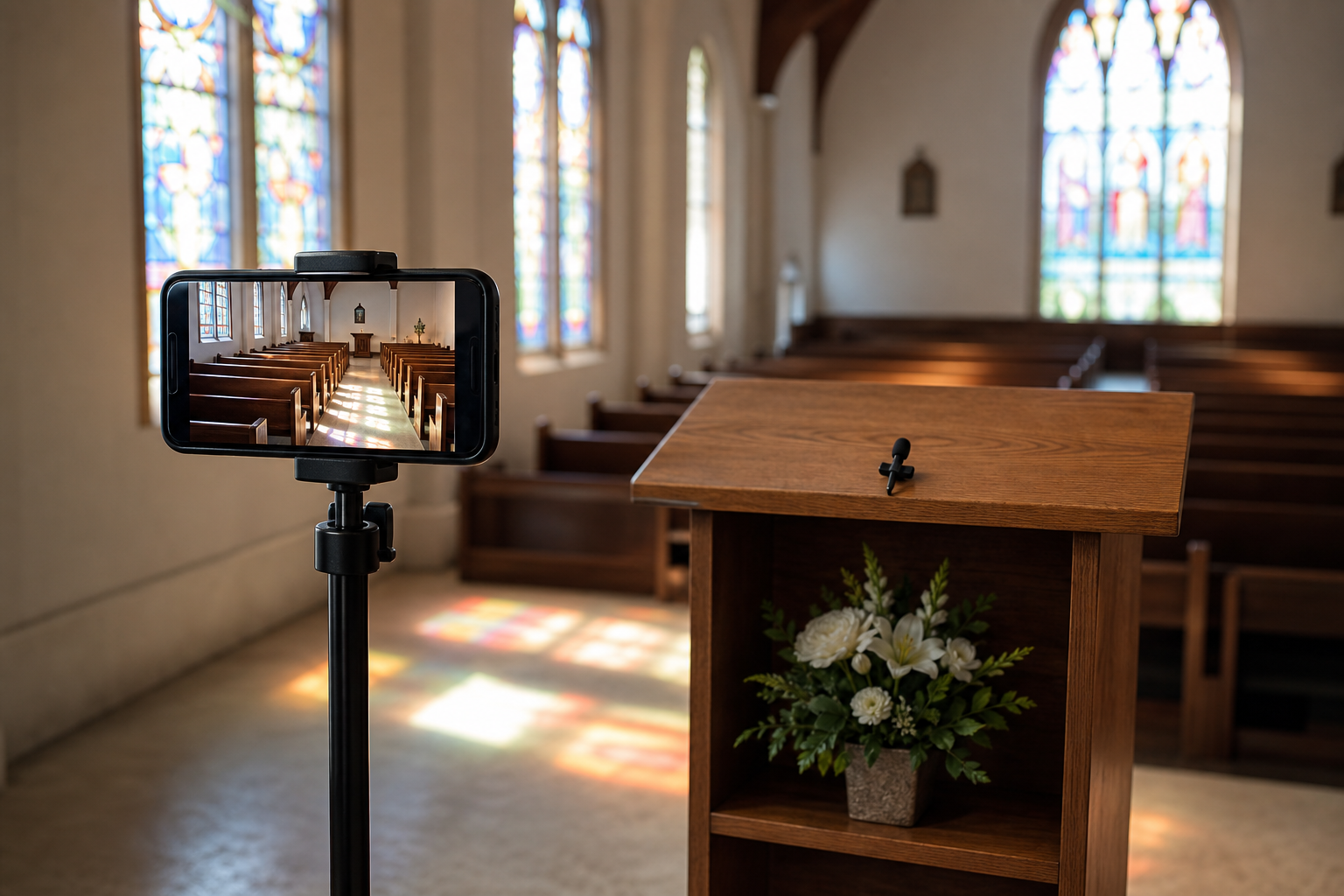
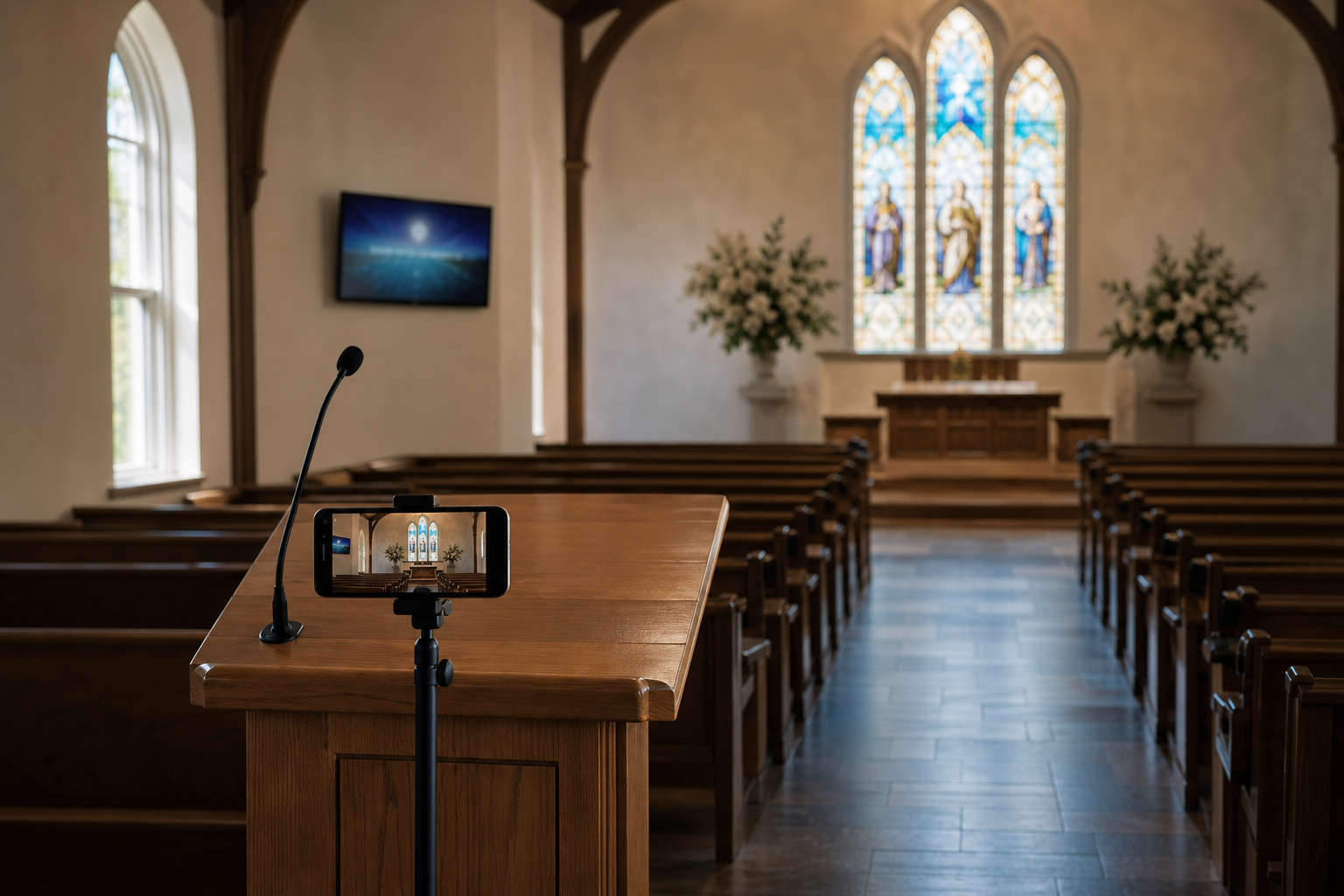
- One stand, placed for a pulpit-wide shot
That's it. No production crew, no second operator, no software to install.
Setting up
Set your phone on its stand where it can see the pulpit and most of the room. Attach the lapel mic to whoever's speaking so the audio stays clear and consistent for the full service.
Open Switcher Now in your browser. No app to download, no account for your congregation to create. Sixty seconds and you're ready to go live.
What your congregation sees
Anyone who can't be there in person opens a link on their phone. They tap it, and they're watching. No sign-up, no download. Just a link, sent however you'd normally reach your congregation.
Why this works for a service
A service doesn't need multiple angles or someone cutting between cameras live. It needs the room, clearly, with audio that doesn't drop out or muffle when the speaker moves. That's the whole job, and it's the one Switcher Now is built to do without anyone running it during the service.
You're not learning a production tool. You're setting up a phone before the service starts, and leaving it alone until it ends.
What it costs
$19 for a single service. No equipment to buy, no contract to sign.
Frequently asked questions
What equipment do I need to livestream a church service? One phone, one lapel or podium mic, and one stand. Switcher Now doesn't require a camera switcher, capture card, or dedicated streaming computer for a single-camera service setup.
How long does it take to set up a church livestream? About 60 seconds. Set the phone on its stand, attach the mic, and open Switcher Now in your browser. There's no software to install and no account required for viewers.
Do people need to download an app to watch? No. Viewers open a link on their phone and start watching immediately. No account, no download.
Does the audio stay clear if the speaker moves around the pulpit? Yes. The stream locks to the connected mic, so the audio stays consistent whether the speaker is at the podium or moving nearby.
How much does it cost to livestream a service? $19 for a single event. There's no equipment to buy and no long-term contract.
Do I need a production team to run the stream? No. The setup runs unattended once it's started. It's built for a single camera and a single speaker, without anyone operating a switcher during the service.