You're Already Streaming. Here's What Your Audience Is Missing.
If your families are watching on Facebook Live, some of them aren't watching at all. Here's what's happening on the other side of that stream.
If your organization already streams events on Facebook Live, you're ahead of most. That's genuinely true. You made the decision that families who can't be there deserve something, and you found a way to give it to them.
This post is not going to tell you that Facebook Live is the wrong tool. It isn't.
It's going to ask a different question: is your audience actually watching?
What you see when you go live.
You open the app, start the stream, and the viewer count climbs. Comments come in. Reactions appear. By the end you have a few hundred views and a sense that it worked.
That's real. That's not nothing. Facebook Live is a capable broadcast tool and it does exactly what it's designed to do.
The question is what it's designed to do, and whether that matches what your families need.
What your audience sees on the other side.
Before a family member can watch, they have to find the stream. It appears in the Facebook feed — where it competes with everything else the algorithm is serving at that moment. Your most engaged families might catch it. Others won't see it until the event is already over, if they see it at all.
Then there's the Facebook requirement. The grandmother who doesn't have an account can't watch. The parent who deleted the app last year can't watch. The family on the living room TV gets a clunky experience at best. Anyone watching on a device that isn't logged into Facebook hits a wall.
And they're all watching the same angle. One phone, wherever you put it, is what everyone sees for the entire event. If someone walks in front of it, that's what the stream shows. If the action moves to another part of the field or the track, the families watching from home miss it.
None of this is Facebook's fault. Facebook Live is built for mass broadcast — for reaching followers and growing a public audience. It does that job well. It just isn't built for community streaming: giving specific, known people direct access to a specific event they belong to.
The difference a direct link makes.
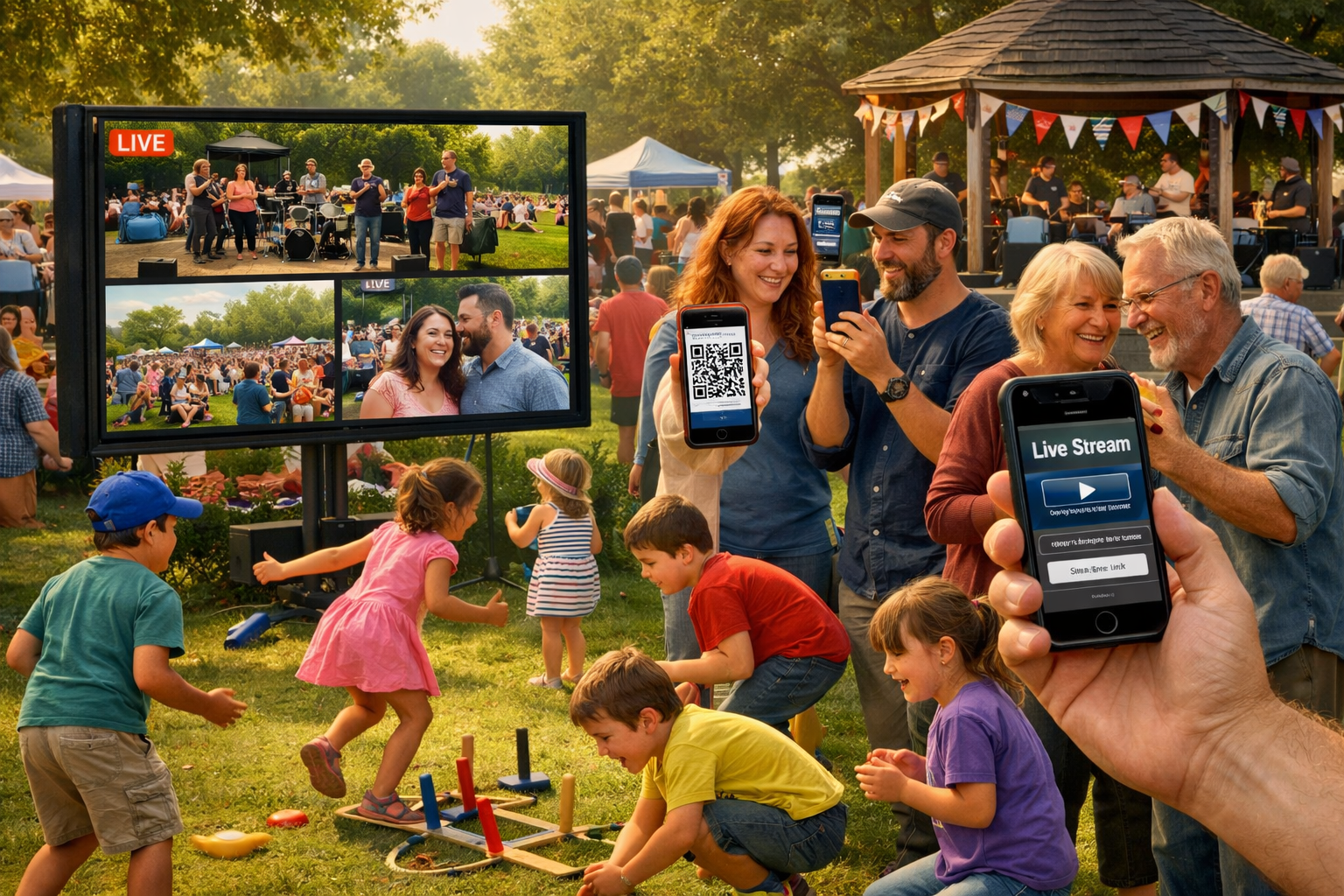
Community streaming starts with a link. Not a post in a feed — a link you send directly to the families you want watching. By text, by group message, by email.
They tap the link. The event opens immediately in their browser. No algorithm. No Facebook account. No feed to find it in.
If you want multiple camera angles, volunteers at the event scan a QR code with their phones. Each becomes a live feed. Families watching at home see all the available angles and switch between them. The parent can watch from the finish line perspective. The grandparent can follow the sideline camera. Nobody is stuck with what you put the phone on at the start.
The watch page works on any browser, any device. The grandmother on an Android who doesn't use social media. The family with the stream on the living room TV. The parent driving between venues who hands the phone to the person in the passenger seat.
The question worth asking.
You made the right call by streaming. The families who can watch are better served than if you didn't.
The question is whether you're reaching all of them — including the grandmother without a Facebook account, the parent who missed the notification, the family who looked for the stream twenty minutes after it ended and found it buried in the feed.
Try this before your next event: ask a few families whether they knew you were streaming, whether they watched, and what the experience was like on their end. The answers will tell you whether the current tool is working for the audience you're trying to reach.
Facebook Live is a broadcast tool. It builds an audience you don't know yet. Community streaming serves the audience you already have — the people who belong to your events and want to remotely attend them. Both have a place. The distinction is whether you're reaching for the world or taking care of the people who are already yours.
If even a few of the families you want watching are missing your streams, it's worth knowing. One trial will tell you.
Try Switcher Now free at switchernow.com. Share a watch link at your next event and see who shows up.