What You're Actually Saying When You Say "We Don't Have the Equipment"
You do. It's already in everyone's pockets. Here's what community streaming actually requires.
The most common reason organizations give for not streaming their events is equipment.
"We don't have cameras." "We'd need a whole setup." "We're not a TV studio."
These are reasonable things to say — about production streaming. If the job is to produce a broadcast, you'd need cameras on tripods, an encoder, software to route and switch the feeds, and someone who knows how to operate all of it. For that job, you probably don't have what you need.
But community streaming — giving the specific people who belong to your events a way to remotely attend — doesn't require any of that. And the gap between what you think you need and what you actually need is almost total.
Look around at your next event.
Count the phones.
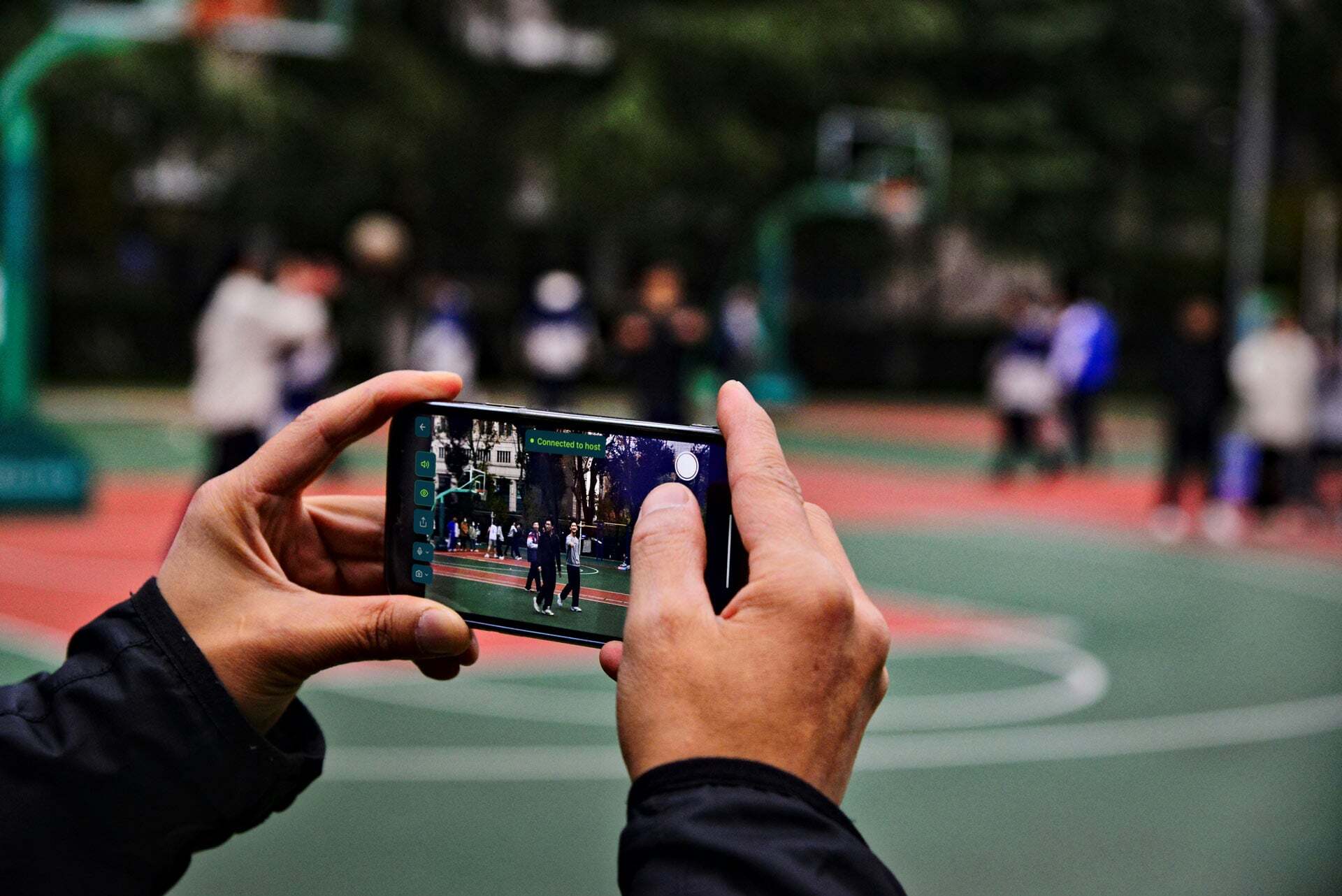
The parent filming from the sideline. The volunteer with their phone pointed at the finish line. The coach checking the schedule. The board member posting updates. These are cameras. They are connected to cellular networks. They are held by people who are already at the event, already paying attention, already pointing their phones at the things worth watching.
Community streaming doesn't add equipment to your event. It puts the equipment already there to better use.
One person opens Switcher Now in any browser on their phone, taps to go live, and shares the watch link. That's the primary camera. Anyone else at the event who wants to add an angle scans a QR code with their phone — they're immediately a live feed. Viewers can switch between angles from the watch page.
No cameras to buy. No cables to run. No software to configure. No equipment to carry to the venue.
"But we don't have a tech person."
This is the second version of the same objection. It deserves the same answer.
The person who usually films with their phone can run this. The motion is identical: open a browser, point the phone at the event, tap a button. The only difference is that instead of a video that goes to their camera roll or disappears, the families who couldn't be there get a clean watch link they can tap from anywhere.
You don't need a new person. You need the person who already films to tap a different button.
The question isn't whether you have a tech person. It's whether you have someone who films. You do. At every event. You've had one for years.
What community streaming actually requires.
Here is the complete list of what you need to go live at your next event:
- A phone with cell service.
- Someone to hold it.
- A browser.
- Sixty seconds.
There is nothing else on the list.
You've been telling yourself you're not ready because you've been picturing production streaming. Cameras on tripods. A switching board. A dedicated operator. A complicated setup that starts two hours before the event.
That's the wrong category. Community streaming uses the phones people already have, takes 60 seconds to start, and requires no prior knowledge beyond "point at the thing that's happening."
The equipment question is really a confidence question.
Organizations that say they don't have the equipment usually have the equipment. What they don't have yet is confidence that it will work — that a phone on a cellular signal is enough, that someone without a production background can manage it, that families on the other end will actually watch.
The answer to the confidence question is not more equipment. It's one trial. Run it at your next event. Share the watch link with ten families. See what comes back.
Your volunteers have been ready for this for years. They've been holding the equipment the whole time. You just needed to know that what's already there is enough.
Try Switcher Now free at switchernow.com. Your next event is the test. No equipment purchase required.